Your first journal entry
Find your way around three platforms and save the first page of your day.
Find a place to write
Yesterbook supports iPhone with iOS 17 or later, iPad with iPadOS 17 or later, and Mac with macOS 14 or later. Start writing from Home on iPhone and iPad, or choose a new entry from the Mac sidebar. iPad navigation adapts to the available window width.
Write, then save
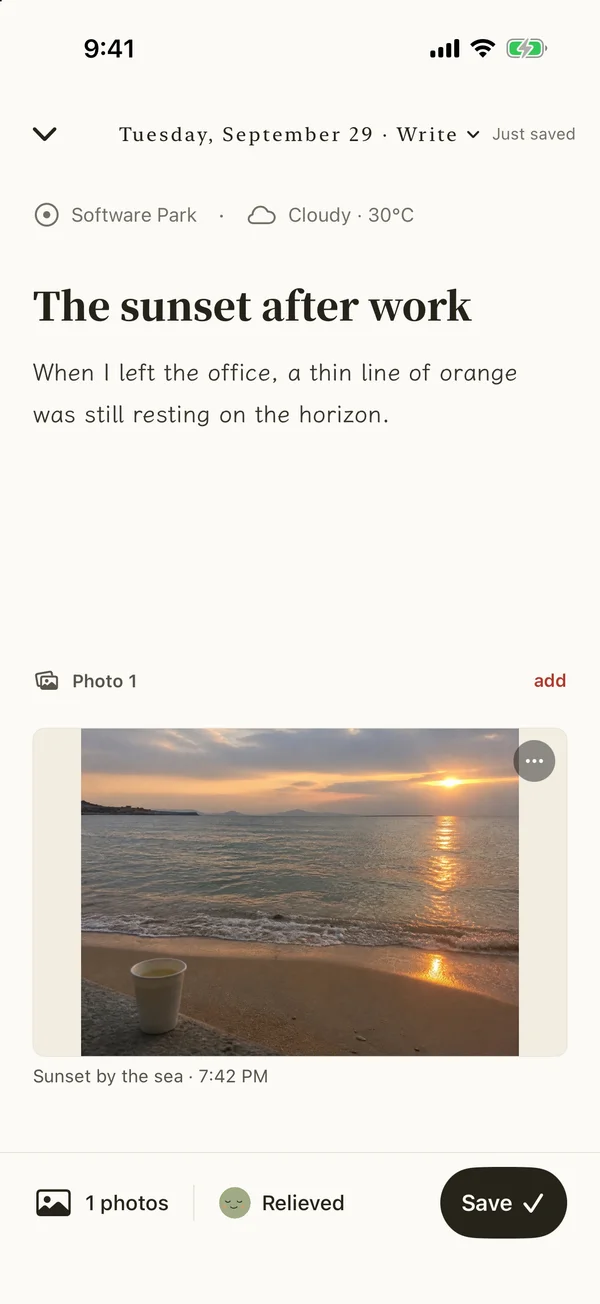
- Choose the entry date and add a title and text. You can also write about a past date.
- Add a photo, mood, place or weather if useful. These fields are optional.
- Use the save action to record the entry. Its own 24-hour editing window begins then.
Drafts save automatically, but a draft is different from a recorded entry. Check that your entry appears in the list when finished. The free plan allows one entry per journal date and one photo per entry; additional entries and photos are membership features.
Come back through a monthly edition
The journal list shows entries over time; monthly editions collect a whole month. Mac has separate sidebar entries for both. Start with one small moment and return later to see the month around it.